
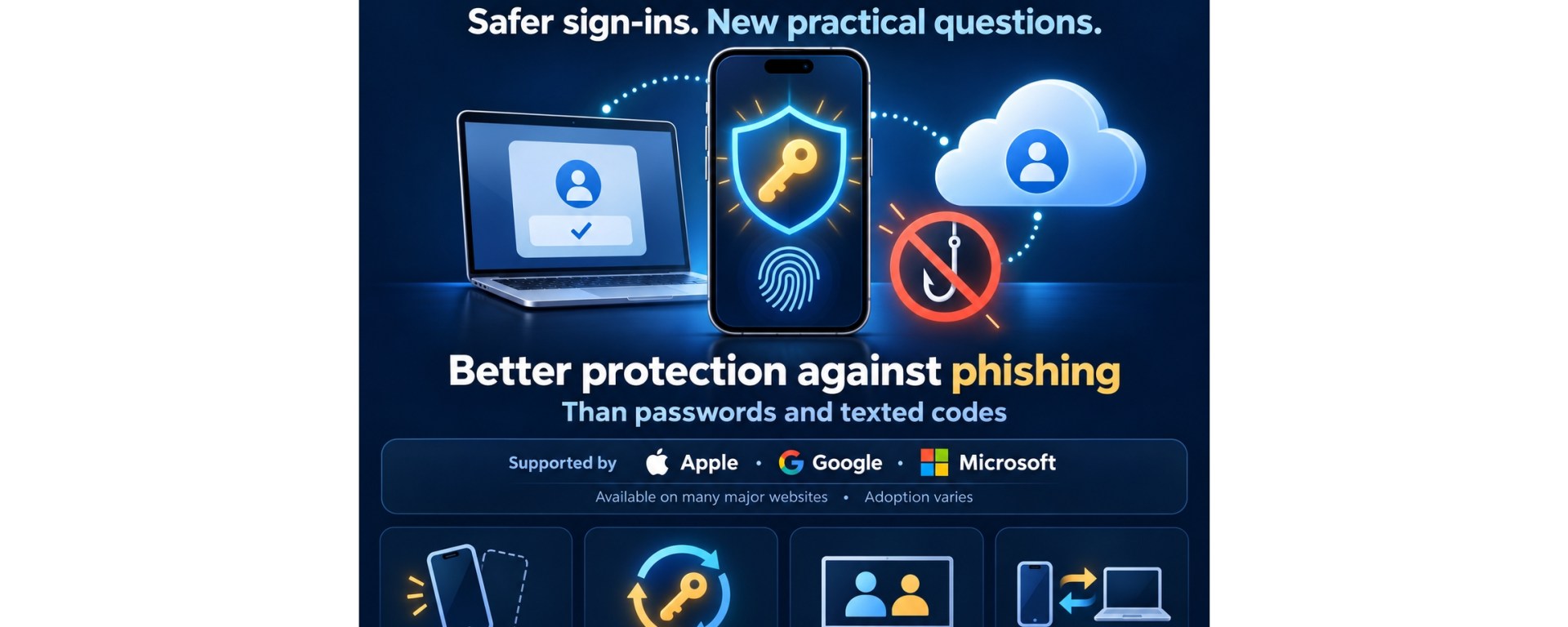
Passwords have trained people to do something computers are better at: remember long, unique secrets for dozens of accounts. Passkeys reverse that arrangement. The device stores a cryptographic credential, and the person approves sign-in with the same face scan, fingerprint or PIN used to unlock the device.
Passkeys are now supported by Apple, Google, Microsoft and many major websites, but adoption is uneven. They are safer against phishing than passwords and texted codes, yet they introduce practical questions about lost phones, account recovery, shared devices and moving between technology ecosystems.
How a passkey works
A passkey uses a cryptographic key pair. The website keeps a public key; the private key remains in a device, password manager or hardware security key. During sign-in, the website sends a challenge that the private key signs. The website verifies the response with the public key. There is no reusable password for the website to store or for a criminal to steal in a conventional password breach.
The face, fingerprint or device PIN does not become the website’s password. It unlocks use of the private key locally. Google states that biometric information remains on the device and is not shared with Google. Apple similarly says passkeys in iCloud Keychain are encrypted and not visible to Apple.
The FIDO Alliance describes two forms: synced passkeys, which a credential manager makes available on a user’s other devices, and device-bound passkeys, which stay on one device or hardware security key. Synced passkeys are usually easier for households; device-bound credentials can provide tighter control but require a better backup plan.
Why phishing becomes harder
A password can be typed into a convincing fake website. So can a one-time code sent by text or generated by an authenticator app. A properly implemented passkey is bound to the legitimate website’s domain. If a person lands on a look-alike site, the browser or operating system will not offer the passkey for the attacker’s domain.
The July 2025 NIST digital-identity guidelines explain that manually entered one-time codes are not phishing-resistant because an impostor can relay them. NIST recognizes cryptographic authentication using verifier-name or channel binding as phishing-resistant. CISA also recommends FIDO authentication for valuable accounts and describes hardware security keys as the strongest option, with synced passkeys as an acceptable alternative.
That does not make every part of an account invulnerable. A service may still allow password reset by email, text message or customer support. An attacker who defeats the recovery process may bypass the passkey entirely. Security is therefore limited by both the sign-in method and the weakest recovery route.
Are people actually using them?
The FIDO Alliance’s 2026 Passkey Index reports that passkeys accounted for 36% of successful sign-ins among participating organizations, up from 26% in its 2025 index. It also reports a 93% passkey sign-in success rate compared with 78% for traditional multifactor sign-ins and an average time saving of 27 seconds.
Those are industry-participant results, not a random sample of the entire internet. Companies with mature passkey deployments may perform better than smaller organizations or older websites. The figures show that passkeys can work at scale; they do not prove that every service offers a polished experience.
The confusing part: where the passkey is saved
When a site asks to create a passkey, the important choice is the storage location. An iPhone may save it to iCloud Keychain; Android or Chrome may use Google Password Manager; Windows can use Windows Hello, Microsoft Password Manager or another supported manager. A locally saved Windows Hello passkey may not automatically appear on a different computer, while a synced credential may follow the account that manages it.
Cross-device sign-in can bridge ecosystems. Microsoft, Apple and Google document workflows in which a computer displays a QR code and a nearby phone approves the sign-in. Bluetooth is commonly used for a proximity check, helping prevent a remote attacker from using a screenshot of the QR code from far away. Both devices and the browser must support the process.
For Peninsula residents with intermittent connectivity, passkeys remove the need to receive a text code, which can help where cellular service is weak. However, the website still needs an internet connection, and initial synchronization or account recovery may require access to the credential provider. A passkey is an authentication improvement, not an offline substitute for internet service.
What happens when a phone is lost?
With a synced passkey, losing one device does not necessarily lose the credential. Apple documents recovery through iCloud Keychain escrow, protected by the Apple Account, a registered phone number and the device passcode. Google says Google Password Manager can restore passkeys using its manager PIN or an Android device’s screen-lock PIN. Recovery details differ, so users should review them before an emergency.
A stolen phone is also not harmless. Anyone who can unlock the device may be able to use its passkeys. Google explicitly advises creating passkeys only on devices a person owns and uses. Strong device passcodes, automatic locking, remote-device location and prompt removal of lost devices remain important.
A sensible migration plan
Begin with the accounts that control other accounts: primary email, Apple, Google and Microsoft identities, followed by financial, shopping and social-media services that support passkeys. Keep existing recovery information current. Where a service permits it, register more than one trusted authenticator—for example, a synced passkey plus a securely stored hardware key or another personal device.
Do not delete every password or recovery method immediately. Confirm that the passkey works on the devices normally used, test recovery options and record where each credential is stored. Never scan an unsolicited QR code from an email or message merely because it mentions a passkey; begin account setup from the service’s known app or independently typed website.
Small businesses should protect administrator, email, banking and website-hosting accounts first. They also need an offboarding process so credentials associated with a departing worker’s device can be removed. A passkey shared informally through a personal cloud account can create ownership and recovery problems.
Cost and practical takeaways
Built-in passkey support in current Apple, Google and Microsoft credential managers generally carries no separate passkey fee. Optional hardware security keys cost extra, and organizations may pay for business password-management or identity services. The main consumer cost is usually the time needed to understand storage and recovery.
Passkeys are ready for everyday use on important accounts that support them. Their greatest benefit is structural: they prevent users from handing the correct credential to the wrong website. The safest transition is gradual—use strong device locks, add passkeys from genuine account settings, maintain independent recovery options and test access before removing older sign-in methods.
Sources
FIDO Alliance. “Passkeys.” Accessed October 29, 2026. https://fidoalliance.org/passkeys/
Passkeys can stop the most convincing phishing page from stealing your login—but lost-device recovery and weak fallback methods still matter.
FIDO Alliance. Passkey Index 2026. October 2026. https://fidoalliance.org/passkey-index-2026/
National Institute of Standards and Technology. SP 800-63B-4: Digital Identity Guidelines—Authentication and Authenticator Management. July 2025. https://pages.nist.gov/800-63-4/sp800-63b.html
Cybersecurity and Infrastructure Security Agency. Mobile Communications Best Practice Guidance. December 2024. https://www.cisa.gov/sites/default/files/2024-12/guidance-mobile-communications-best-practices.pdf
Apple. “About the Security of Passkeys.” Accessed October 29, 2026. https://support.apple.com/en-us/102195
Google. “Sign In with a Passkey Instead of a Password.” Accessed October 29, 2026. https://support.google.com/accounts/answer/13548313
Google. “Manage Passkeys in Chrome.” Accessed October 29, 2026. https://support.google.com/chrome/answer/13168025
Microsoft. “Passkeys Frequently Asked Questions.” Accessed October 29, 2026. https://support.microsoft.com/en-us/accounts-billing/security/passkeys-frequently-asked-questions-faq

